

Starburst Mobile: Play the Gem Slot on Any Phone
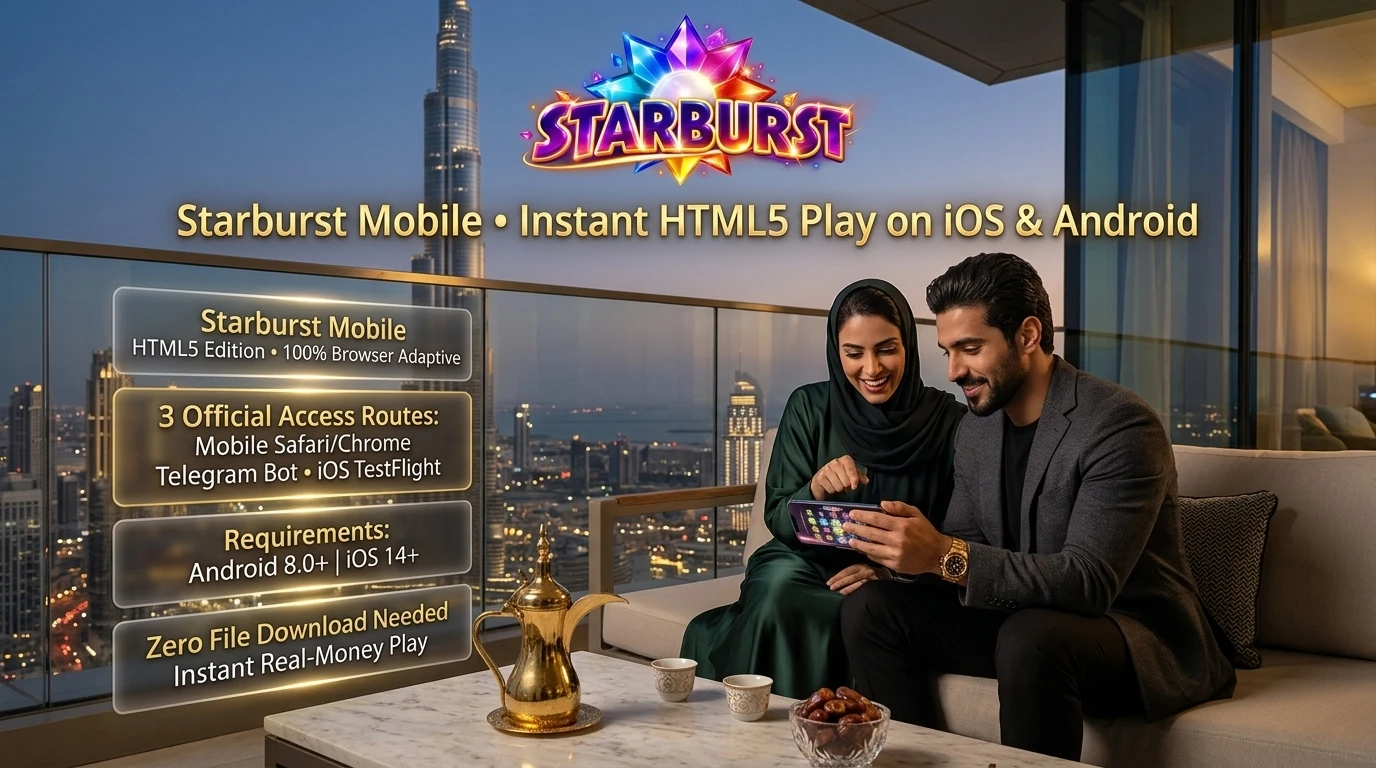
Looking for a Starburst app to install? There isn’t one for real-money play. NetEnt built the slot in HTML5, and it opens inside the casino’s mobile access, exactly as it does in a desktop browser.
The operator lists no app in the App Store or Google Play, and no official APK. Any “Starburst APK” on a third-party site is a risk, not a shortcut. Three routes are official: the adaptive site in a phone browser, the operator’s Telegram bot, and an iPhone client distributed through TestFlight. The Telegram route asks for Android 8.0 or newer, the iPhone client for iOS 14 or later.
All three open the same account and the same game. Which one suits best comes down to the phone and to how much setup feels worth it, so each is covered below, along with touch controls and the fake files worth avoiding.
Starburst App vs Mobile Casino Access
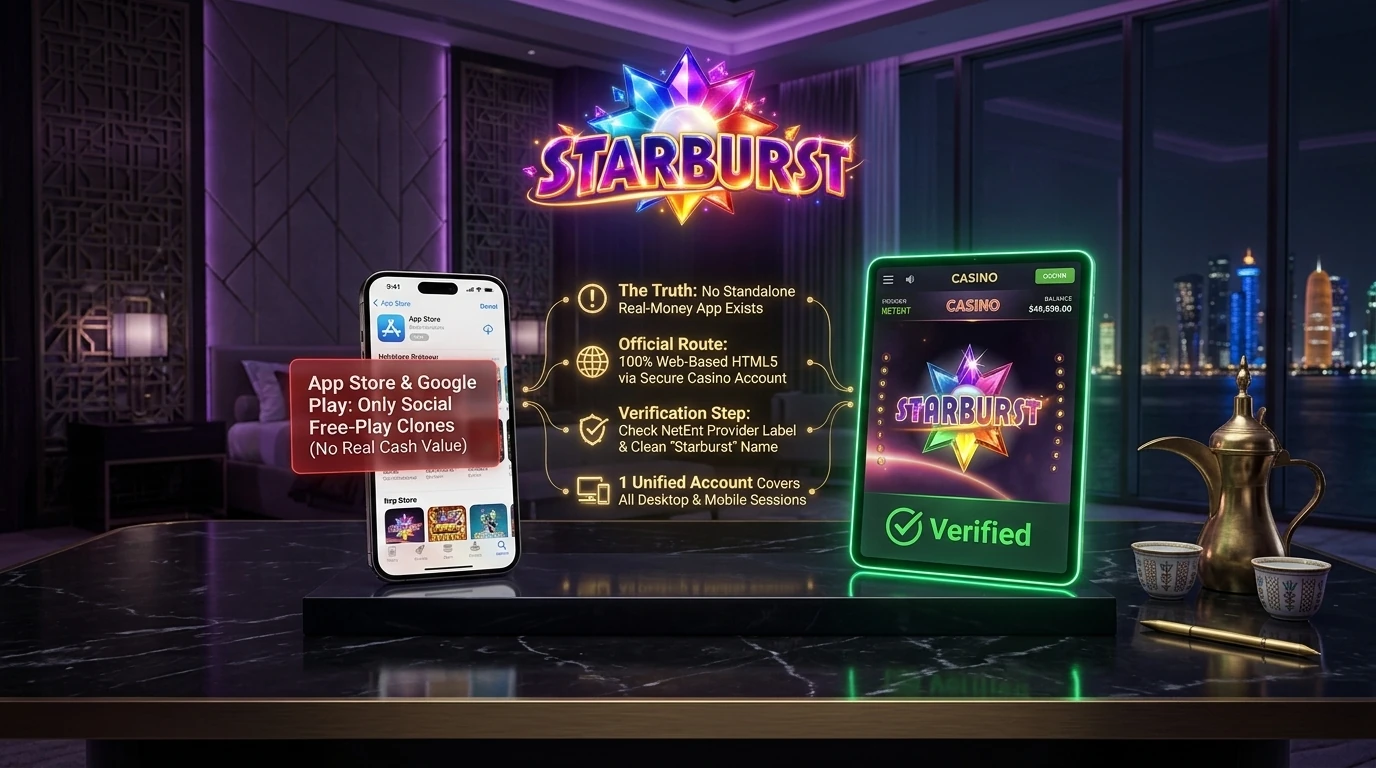
Two searches keep coming up: “Starburst app” and “Starburst download”. Both assume the slot exists as a program of its own. It doesn’t. NetEnt supplies the game to casinos as part of their catalogues, and players reach it through a casino account rather than through a separate download.
So what turns up in the app stores under the name? Social casino games with virtual coins and no cash value, mostly. Now and then, a copycat that borrows the gem artwork. Neither connects to a real balance, and neither is the Starburst slot app people have in mind.
The real game exists in one place only: inside a casino account. On a phone, that account is reached through the browser, the Telegram bot or the iPhone client. Whatever the route, the important part is getting into the official account safely.
Before relying on mobile play, a small check helps. Open the casino’s mobile catalogue, search for Starburst and make sure the original appears with the NetEnt label, not XXXtreme or Galaxy. If it’s listed there, every route reaches it.
Mobile Access Options
| Option | Setup | Requirements | Good for | Check |
|---|---|---|---|---|
| Browser | Open the official domain, sign in | A current mobile browser | Quick access on any phone | The address matches the official domain |
| Telegram web app | Find the official bot, press /start, sign in | Telegram on Android 8.0+ | Players who already use Telegram daily | The bot carries the blue checkmark |
| TestFlight client | Install TestFlight, then the client from the official page | iPhone with iOS 14+ | A dedicated icon instead of a browser tab | The download button comes from the official iOS page |
The three routes compare like this:
The browser is the lightest of the three. Nothing to install, nothing to update, and it works on practically any phone with a modern browser.
Telegram makes sense for anyone who spends half the day in the messenger already. The casino menu opens inside the chat, and games launch as a Telegram web app without leaving the app.
The TestFlight client is iPhone-only and feels closer to a native app. Still, it’s the operator’s client, not a NetEnt product.
None of the three changes the game. Same reels, same both-ways wins, same Wild. The Starburst mobile version on any route is the same build the platform runs on desktop.
Starburst on Android
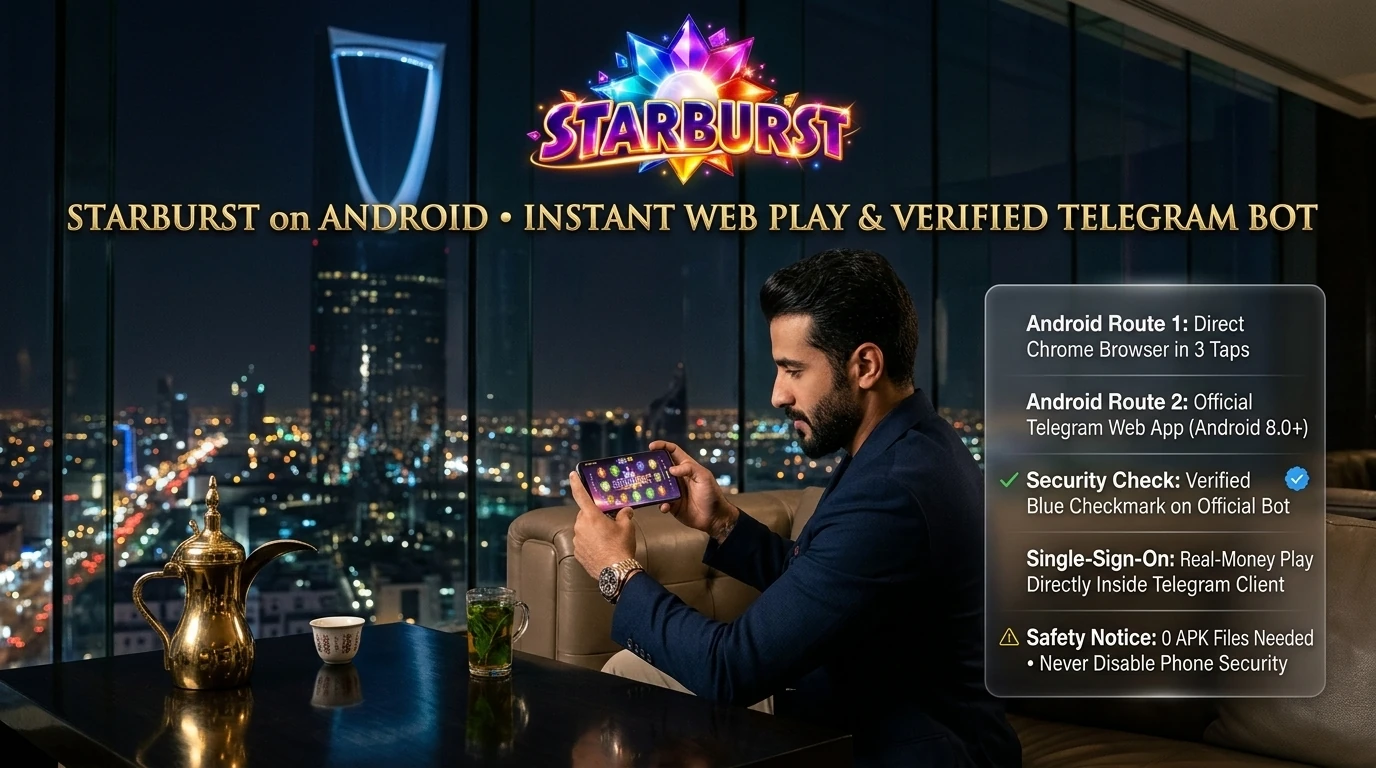
Starburst Android play works without any file. The browser route takes three taps: official domain, sign in, search. The Telegram route, on Android 8.0 or newer, goes like this:
That’s the whole Starburst Telegram route. The bot never needs a password typed into a chat message; sign-in happens in its proper login screen.
No official APK exists for this casino. Files sold or shared as a “Starburst APK” come from third parties, and installing them usually means switching off the phone’s protection against unknown sources first. That alone is reason enough to skip them, along with any Starburst mobile app offered outside the official routes. Security settings on the phone should stay as they are.
- Open Telegram and find the operator’s official bot;
- Check that the blue checkmark sits next to the bot’s name;
- Press /start to open the menu;
- Sign in with the existing casino account;
- Choose Casino in the menu;
- Search for Starburst and open it as a Telegram web app.
Starburst on iPhone and iPad
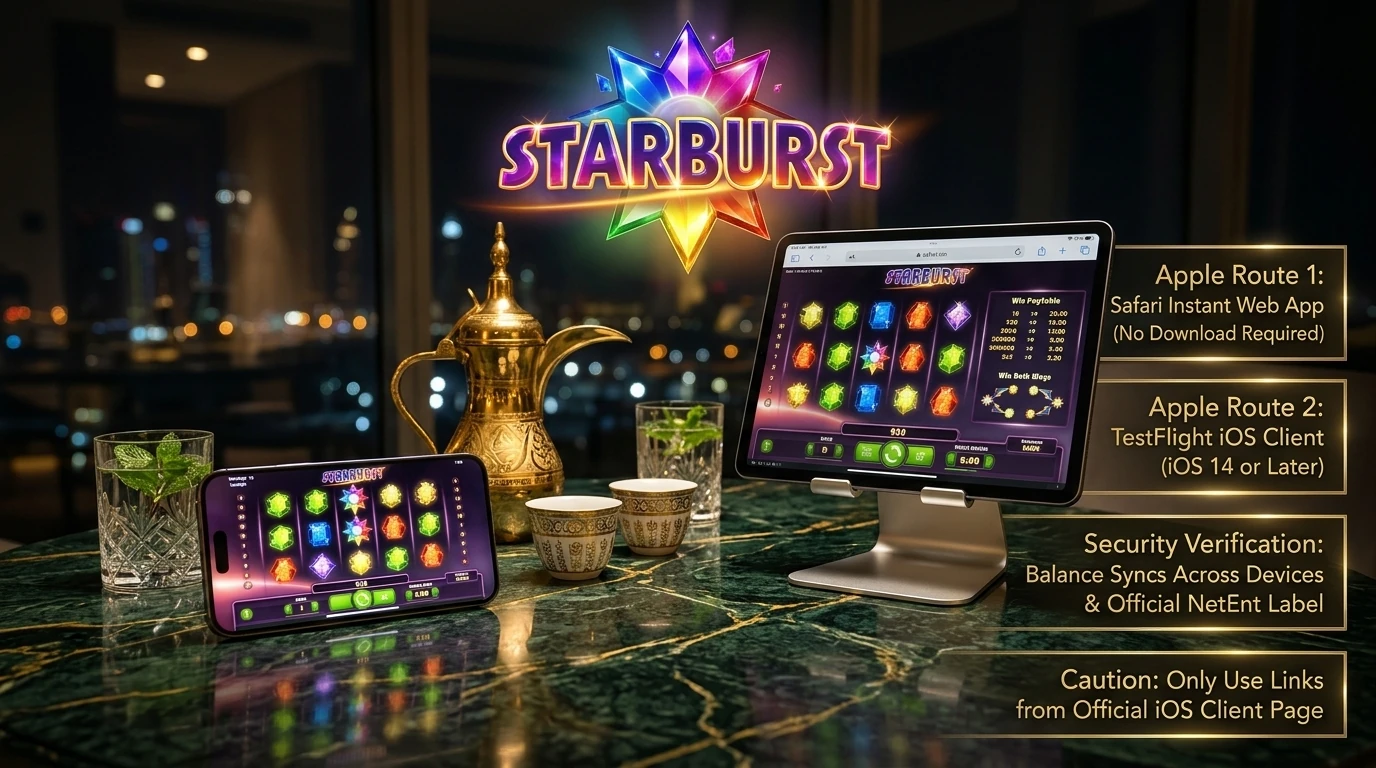
Apple devices have two routes. The first is Safari. Open the official domain, sign in, and the game runs right there in the browser, with nothing to install. That works on an iPad just as well as on an iPhone, and a larger screen makes the paytable easier to read.
The second is the operator’s iPhone client, distributed through TestFlight and published on the official iOS client page. It needs iOS 14 or later. The steps: install TestFlight from the App Store, open the official iOS client page, tap the download button, confirm with Install, then sign in with the same casino account.
Once signed in, two quick checks are worth doing on either route. Does the balance match what the account shows elsewhere? It should, since one account covers every device. And is Starburst listed in the lobby with the NetEnt label? If both are fine, Starburst iPhone play is ready.
The TestFlight link should only come from that official page. Links passed around in messages aren’t a safe source for any Starburst iOS client.
Touch Controls and Autoplay on Mobile
On a phone, the NetEnt interface rearranges itself. The stake controls, the coin value and level settings, and the autoplay button sit in different places than on desktop, and some of them may hide behind a menu icon. A short look around before the first real spin saves fumbling later.
Autoplay deserves a separate word. In some GEOs it’s restricted or switched off, so whether it appears depends on the loaded version and the account’s region. If there’s no autoplay button, spins simply go one at a time.
The paytable is worth opening on the phone too. It confirms the both-ways rule, the Wild behaviour and the RTP of the build on that platform, which matters because the RTP configuration depends on the operator.
Requirements stay modest: Android 8.0+ for the Telegram route and iOS 14+ for the iPhone client. Nothing beyond that is needed for the mobile routes the operator offers.

Avoiding Fake Starburst APKs
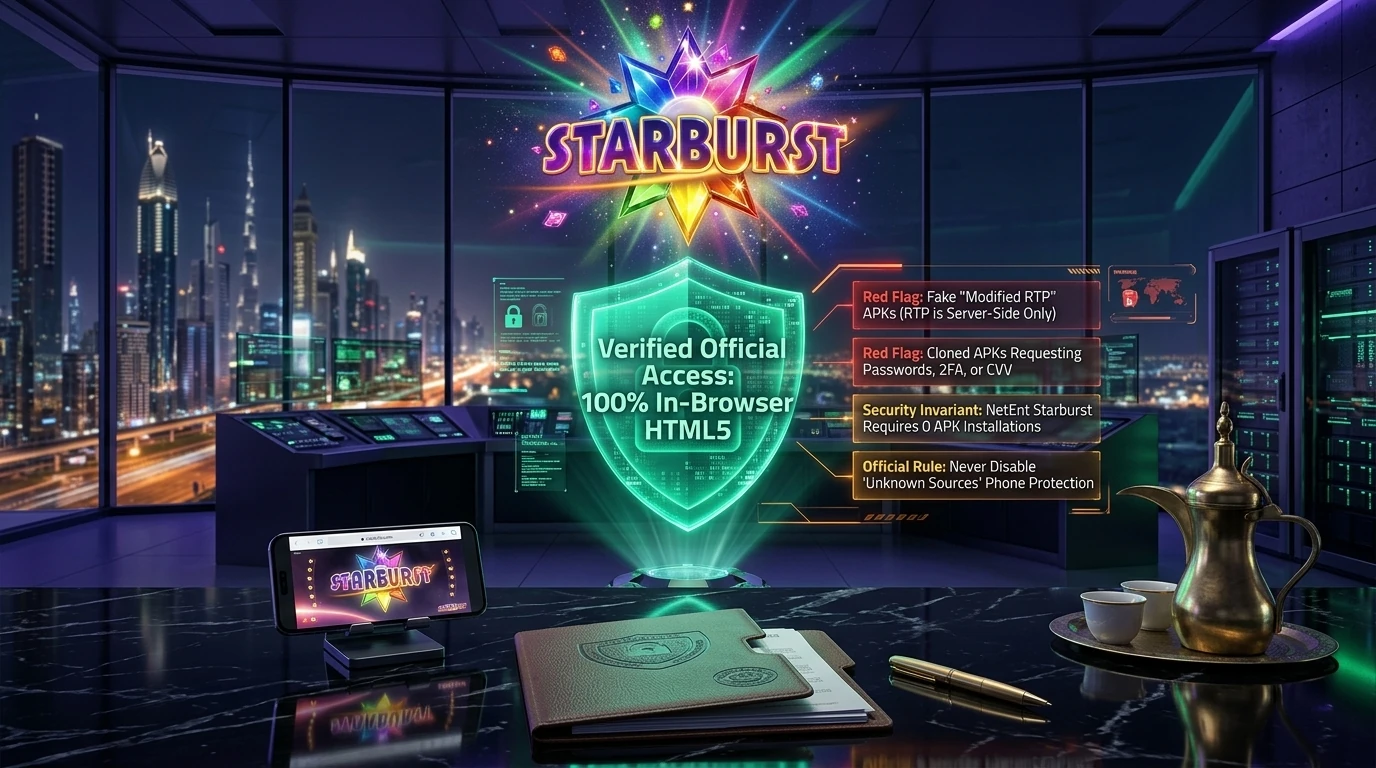
A popular name attracts fake software. The usual risks around a Starburst app download:
The “modified RTP” claim is easy to dismiss. RTP is set in the game build and the operator’s configuration, not by a file on someone’s phone. A download promising better odds is promising something impossible, and whatever else it does on the device is anyone’s guess. Deleting such a file and changing the casino password is the sensible step if one was installed. Starburst NetEnt mobile play needs no file at all, which makes for a simple test: anything asking to be installed outside TestFlight and the official page isn’t part of the official setup.
- tampered APK files with a swapped login screen;
- cloned casino apps copying the operator’s look;
- requests for a login, a 2FA code or a card CVV inside an app;
- versions advertised with a “modified RTP”;
- short links shared in chats and groups.
Starburst Mobile FAQ
Four quick answers for anyone planning to play Starburst on phone.
No. Real-money play runs through the casino account in a browser, the Telegram bot or the iPhone client, nothing else.
Yes, through the operator’s official bot on Android 8.0+, where games open as a Telegram web app.
The build is the same, but the RTP depends on the operator’s configuration, so check it in the paytable.
Yes, in Safari on the official domain, with no installation needed. The larger screen suits the paytable well.
Real-money play carries a risk of loss, on any device. An RNG settles every spin, outcomes are independent, and no strategy guarantees a win. Deposit, loss and session limits keep spending in check; cool-off and self-exclusion help where offered. Adults only: 18+, or older where local law says so. Quick heads-up: check the local laws on online entertainment in your jurisdiction before registering, depositing or playing.